 CarsGadget
What BMW iDrive do I have?
Every retrofit is built for one head unit. Found yours in the answer above? Take the kit made for it — or let the VIN decide.
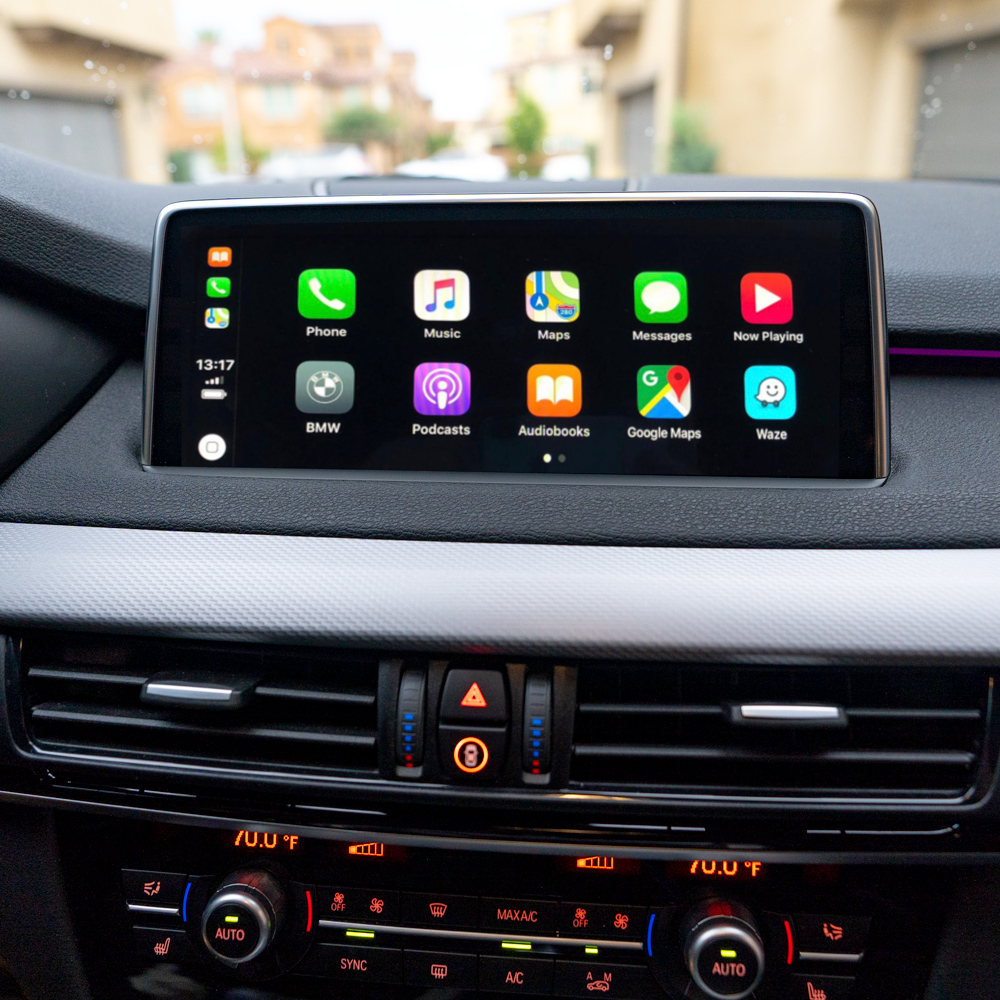
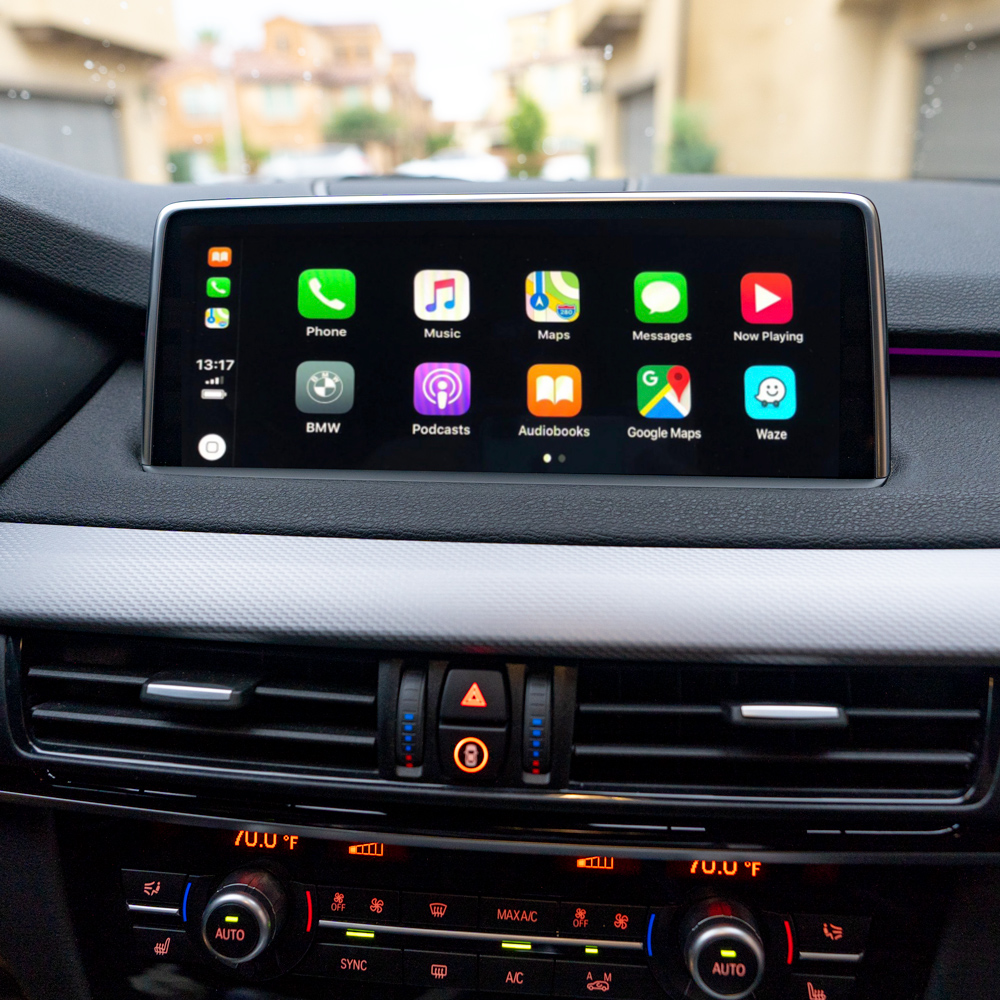
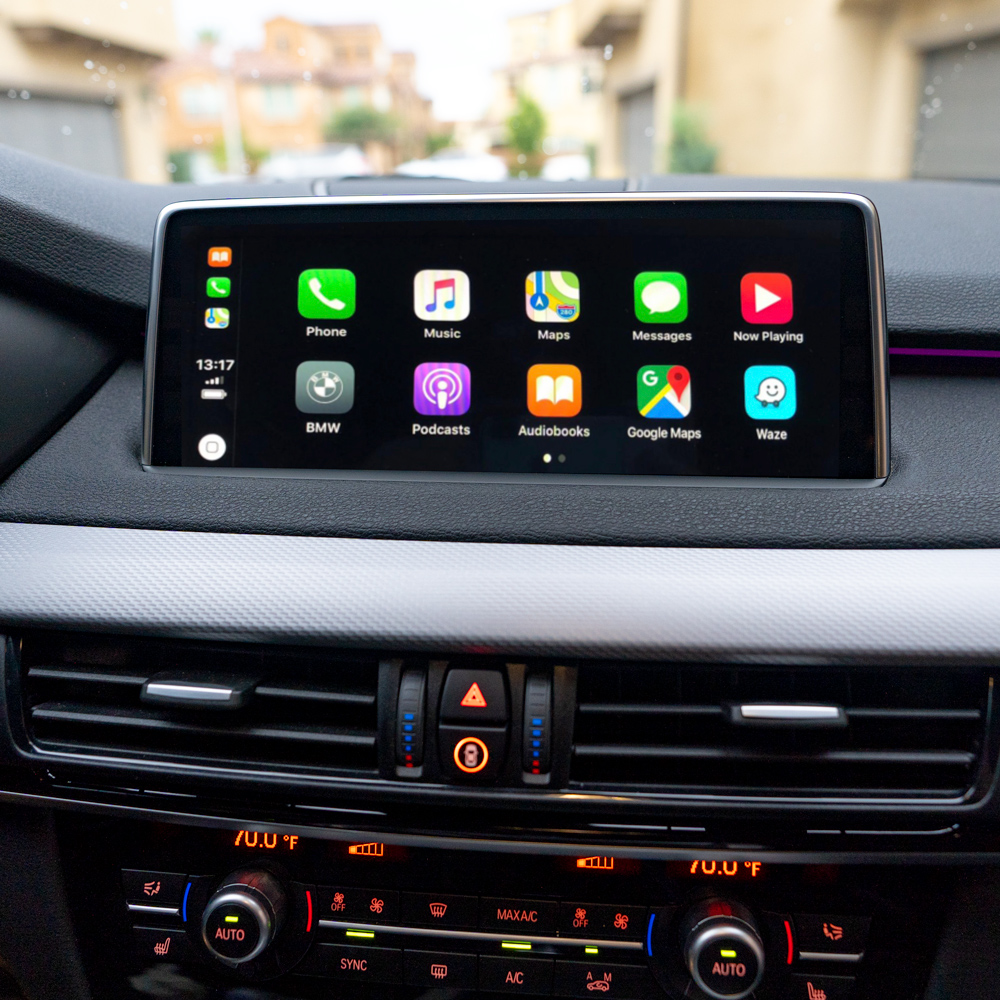
BMW never labels the system in the car, but every generation has an unmistakable tell. This guide walks the three checks in order — controller, screen, menu — and ends with a model-year table you can confirm against your VIN build date.
Check 1 — the controller
The touchpad is the single most reliable indicator. From 2012 BMW shipped the NBT controller with a touch-writing surface on top of the rotary knob. If you can draw a letter on the knob with your finger, the car has NBT or newer. If the knob top is solid plastic, it is CIC or older.
Check 2 — the screen
- 6.5″ low-resolution, amber-tinted graphics — CCC (2004–2008).
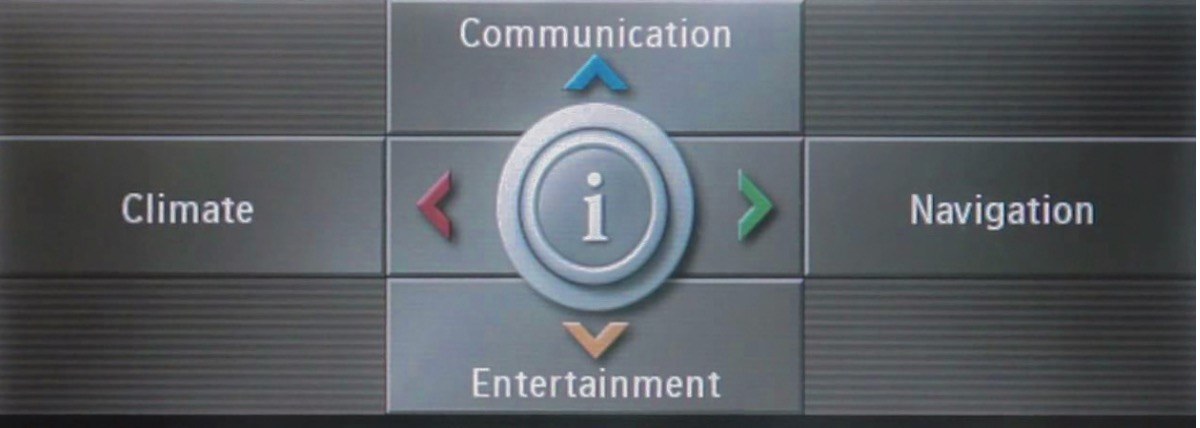
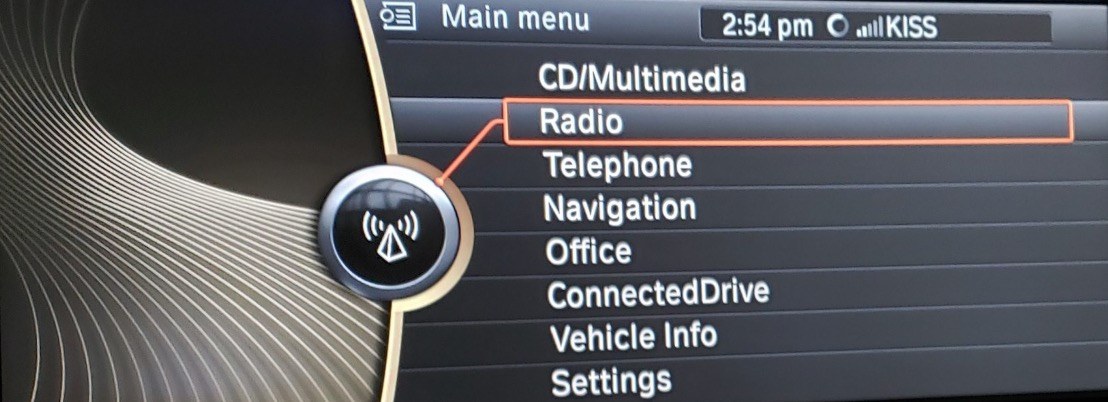
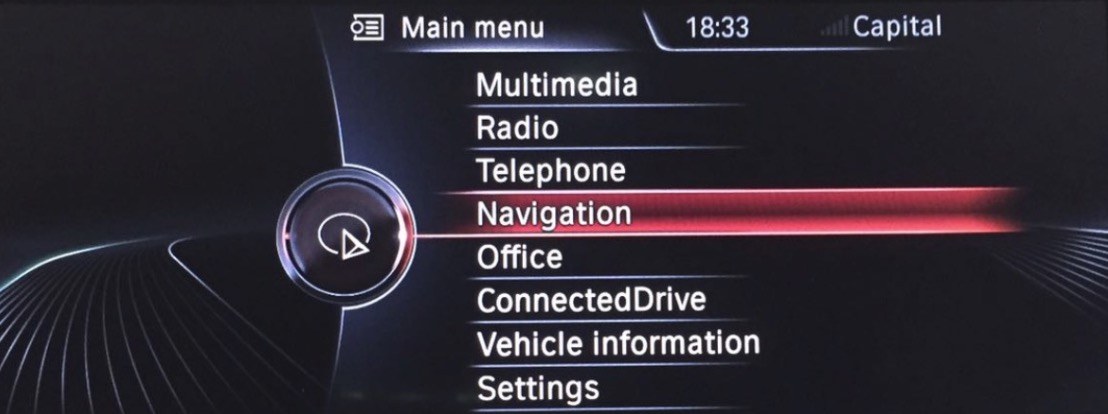
- 6.5″ or 8.8″ widescreen, list menus, black background — CIC (2009–2012).
- 6.5″, 8.8″ or 10.25″, sharper graphics — NBT (2012–2016).
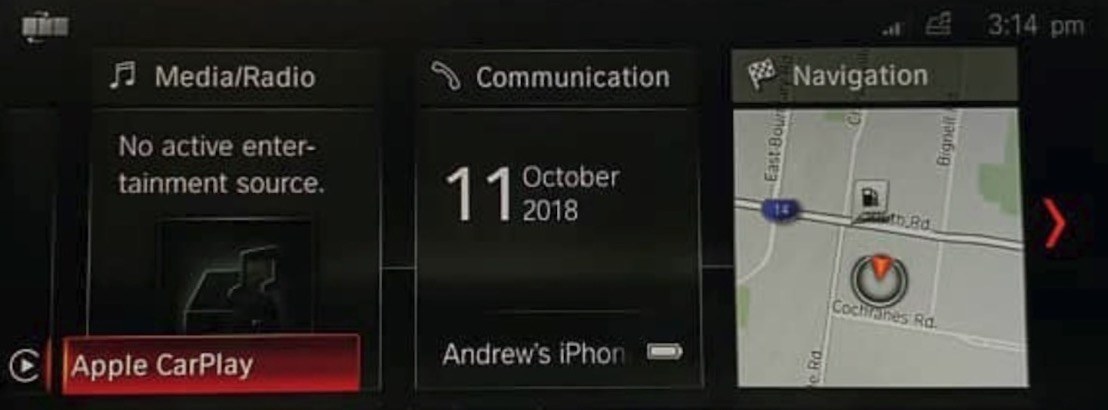
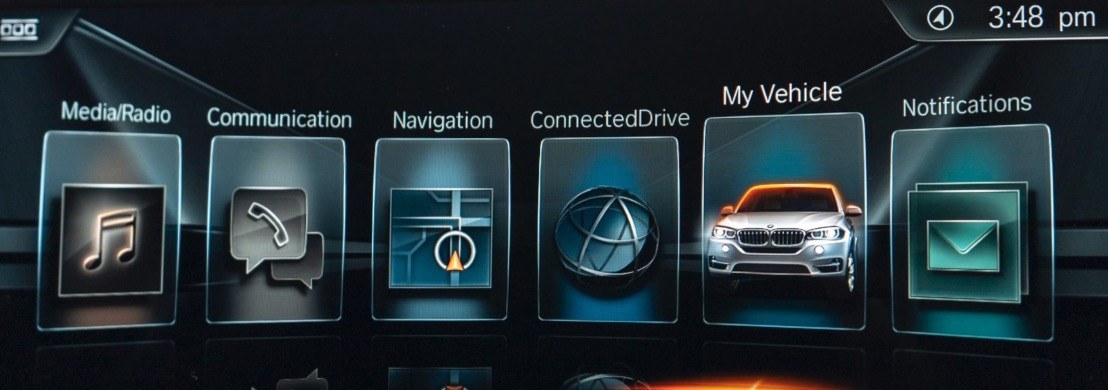
- Tile home screen with three large live cards — NBT EVO iDrive 5/6 (2016–2019). Many EVO screens are touch-enabled: try tapping.
Check 3 — the model-year table
Production changeovers happen mid-year, so treat the ranges as typical and confirm by the controller and screen checks above.
| System | Years | iDrive name | Tell | CarPlay retrofit |
|---|---|---|---|---|
| CCC | 2004–2008 | iDrive 1st gen | Low-res screen, no touchpad | Screen-replacement solutions only |
| CIC | 2009–2012 | iDrive 3 | Sharp screen, plain knob | CIC CarPlay kit — $499.95 |
| NBT | 2012–2016 | iDrive 4 | Touchpad knob, list menus | NBT CarPlay kit — $499.95 |
| NBT EVO | 2016–2019 | iDrive 5 / 6 | Tile home screen, often touch | NBT EVO ID5/ID6 kit — $525.95 |
Why the generation matters for a retrofit
CarPlay interfaces speak to the head unit over its video and control buses, and those buses changed with every generation. A kit built for NBT will not work on CIC, and neither fits EVO. That is why every CarsGadget kit is listed against one system — and why the two-minute check above saves a return shipment.
In practice that is three separate products. Cars with the plain knob take the
CIC CarPlay kit, which drives the older 6.5″ and 8.8″ screens
over CIC's own video bus. Touchpad cars from 2012 to 2016 take the
NBT CarPlay kit instead — same idea, a different handshake with
the head unit. Tile-menu cars need
BMW Smart Multimedia for NBT EVO ID5/ID6, which also
carries the extra video input EVO expects. Fitting the wrong one of the three gives a black
screen, not a partial result.
CarPlay Kit — CIC iDrive — USD $499.95CarPlay Kit — NBT iDrive — USD $499.95Smart Multimedia — NBT EVO ID5 / ID6 — USD $525.95
Frequently asked
How do I know if my BMW has CIC or NBT?
Look at the iDrive controller: NBT (2012–2016) has a touchpad on top of the rotary knob for writing letters; CIC (2009–2012) has a plain knob without a touchpad. NBT also offers a wider 8.8-inch screen and more graphical menus.
Can I add Apple CarPlay to a BMW with NBT?
Yes. A plug-and-play interface adds wireless Apple CarPlay and Android Auto to NBT iDrive while keeping the factory screen, radio and controls. No coding is required.
What is the difference between NBT and NBT EVO?
NBT EVO (about 2016–2019, iDrive 5/6) shows a tile-based home screen with large cards and often supports touch; original NBT (2012–2016, iDrive 4) shows a list-based menu. The retrofit kits for the two systems are different.
Get the kit built for your iDrive
Identified it?